The WordPress security checklist for small businesses
WordPress runs about 4 in 10 websites. That popularity is exactly why it's the most attacked system on the web. Here's how to close the doors that matter.
The core of WordPress itself is well looked after. Only six flaws were found in it in all of 2025, all low risk. The trouble is the add-ons.
Of the 11,334 new holes found in the WordPress world in 2025, 91% were in plugins and 9% in themes. Highly exploitable flaws more than doubled (up 113%), and paid “premium” plugins now have more actively exploited flaws than free ones.1
It isn’t only plugins. In October 2026, two serious holes in PHP, the language every WordPress site runs on, were being used in attacks within a week of being fixed. The US cyber agency CISA confirmed it.2
The WordPress checklist
- Cut your plugins. List every plugin and delete (not just switch off) anything you don’t need. Each one is a door.
- Remove abandoned plugins and themes. If a plugin hasn’t been updated in a year, or was pulled from the WordPress directory, replace it.
- Never use “nulled” plugins. Free copies of paid plugins are a favourite way to plant backdoors.
- Turn on automatic updates for WordPress, plugins and themes, and check weekly that they ran.
- Ask your host which PHP version you run. Anything no longer supported should be upgraded.
- Add a web application firewall with virtual patching, which can block attacks on a hole before you’ve updated.
- Turn on two-step login for every admin account, and limit login attempts.
- Clean out old users. Remove past staff, old agencies and any admin you don’t recognise. Give everyone else the lowest role that works.
- Switch off the built-in file editor so a stolen login can’t rewrite your code from the dashboard.
- Back up off-site, daily, and test a restore at least once. A backup you’ve never restored isn’t a backup yet.
- Watch for ownership changes. If a plugin is sold to a new company, be wary. That’s how the April 2026 backdoor spread.3
- Set up monitoring: uptime alerts, file-change alerts and Google Search Console, which emails you about security issues.
Why “just keep it updated” isn’t enough
Patchstack found the typical time from a heavily targeted flaw going public to mass attacks was five hours.1 Ordinary hosting protection doesn’t fill the gap: in Patchstack’s testing, 87% of exploits got past typical hosting defences.4 And when a trusted plugin is bought and poisoned, as happened to 31 plugins in April 2026, the update itself is the attack.3
The honest question to ask
Do you actually use what WordPress gives you? If your site is a shop window (services, prices, photos, a contact form) and nobody logs in weekly to blog, you’re paying in risk and upkeep for a system you don’t need.
A static site keeps the same pages, words and photos, without the login page, plugins or database. See how the two compare.
Sources
-
Patchstack, State of WordPress Security in 2026 (2025 data). See also Search Engine Journal. ↩ ↩2
-
The Hacker News, CISA confirms active exploitation of two PHP2Shell flaws (October 2026). ↩
-
TechRepublic, Malicious WordPress plugins with backdoors compromise thousands of websites (April 2026). ↩ ↩2
-
Patchstack, Hosting security tested: 87% of vulnerability exploits bypassed hosting defences. ↩
Common questions
Is WordPress secure for a small business website?
WordPress core is well maintained, with only six low-risk flaws found in 2025. The risk comes from plugins (91% of the 11,334 new holes found that year) and themes (9%). A small site with few, well-kept plugins, two-step login and backups is far safer than a typical install.
How many plugins is too many?
There's no magic number, but every plugin is another piece of software that can have a hole. Many small business sites run 15 to 30. Delete anything you don't actively use, and replace plugins that haven't been updated in a year.
Do I need a security plugin for WordPress?
A web application firewall with virtual patching can block attacks on a hole before you've updated, which is useful. But a security plugin is more software inside the thing it guards. Fewer plugins and two-step login matter more.
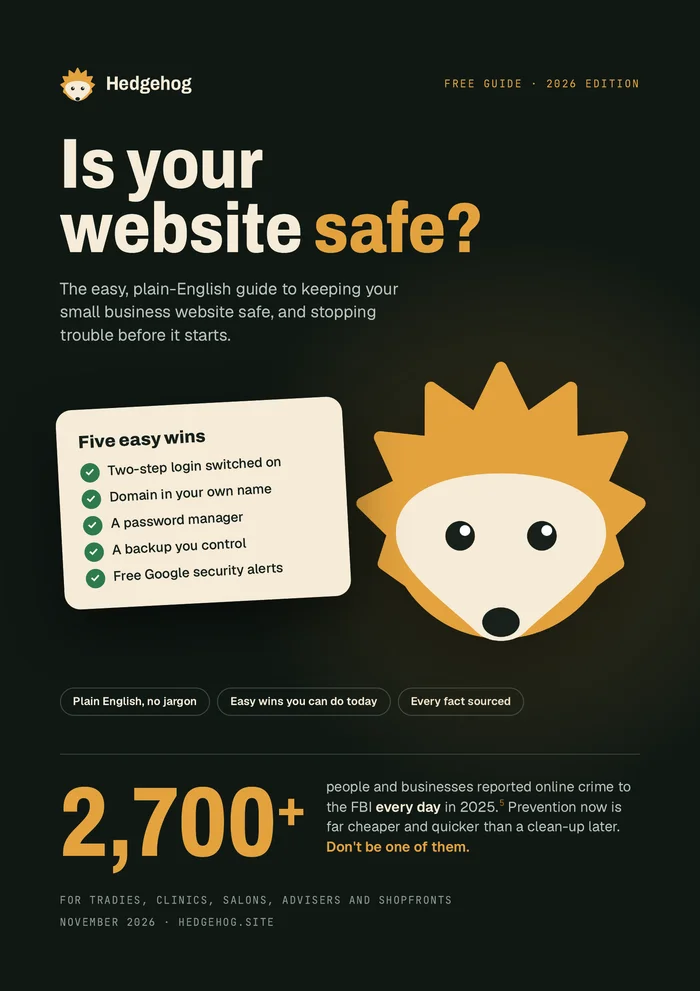
Want all of this in one place?
Our free plain-English guide covers every topic in this library, with five easy wins you can do today. We'll email it to you.
Email me the free guide