Your easy website safety checklist
Grab a coffee and work down this list. Each line takes a few minutes, and together they close the doors used in most small-business break-ins.
The check
- Google your site. Search
site:followed by your web address. Look for pages you didn’t write. - Log in to your domain registrar. Confirm the domain is in your name, auto-renew and domain lock are on, and two-step login is set.
- Turn on two-step login for email, hosting and website admin.
- Check who has admin access to your website and hosting. Remove anyone who shouldn’t.
- Change any reused password on those accounts, using a password manager.
- Run updates on your website, computer, phone and browser.
- WordPress? Delete unused plugins and themes, and switch on auto-updates.
- Make a backup and store a copy somewhere other than your hosting.
- Add your site to Google Search Console so Google emails you about security problems.
Why these nine
They map to the ways small sites actually get broken into. Two-step login cuts the risk of account takeover by over 99%.1 Removing plugins removes the add-ons where 91% of new WordPress holes were found in 2025.2 And an off-site backup is the difference between a bad afternoon and a rebuild.
Found something?
If the site: search turned up spam pages, or you found an admin user you don’t recognise, stop here and read what to do if your website has been hacked before deleting anything.
Sources
-
Microsoft Research, How effective is multifactor authentication at deterring cyberattacks? ↩
-
Patchstack, State of WordPress Security in 2026. ↩
Common questions
How do I check if my website is secure?
Search Google for site:yourwebsite.com to look for pages you didn't write, check your domain is in your name with auto-renew and two-step login, turn on two-step login for email, hosting and website, remove old admin users, run updates, make an off-site backup and add your site to Google Search Console.
How often should I check my website's security?
Do the full check once now, then a quick look every three months, and again whenever someone who had access leaves. Google Search Console will email you between checks if it spots a problem.
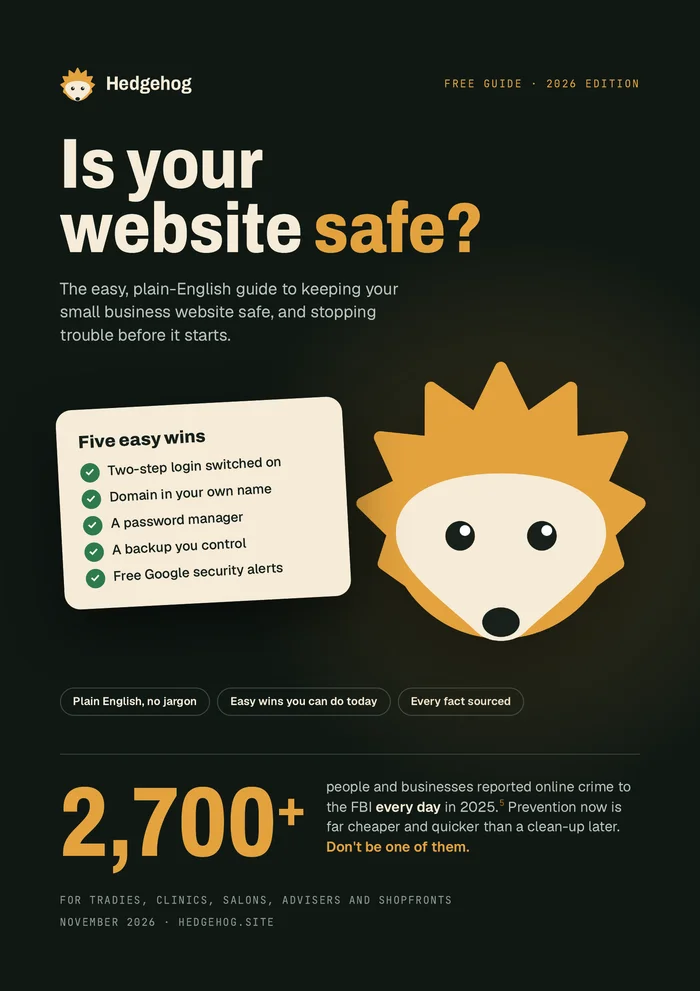
Want all of this in one place?
Our free plain-English guide covers every topic in this library, with five easy wins you can do today. We'll email it to you.
Email me the free guide