Website security best practice for any small business
Whatever your site runs on, the same handful of habits stop most attacks. Most of them are about accounts, not code.
Whether your site is on WordPress, Wix, Squarespace, Weebly or something custom, the advice below applies. Builders patch their own software, which is a real advantage, but your account, your domain and your email can still be taken over.
Own the keys
- Your domain is in your name, under a login you control, not a past web designer’s. Whoever holds the domain controls your website and email.
- Domain lock and auto-renew are on at your registrar, with two-step login and an up-to-date contact email.
- You know every place with a login: domain, hosting, website, email, Google Business Profile and social accounts. Write them down somewhere safe.
Lock the doors
- Use a password manager so every account has its own long, random password. Reused passwords are how one leak becomes five.
- Turn on two-step login everywhere, using an authenticator app rather than text messages where you can. Microsoft research found it cuts the risk of account takeover by over 99%.1
- Remove access when people leave, including contractors and agencies, the same day.
Protect your email name
- Ask your email or web provider to set up SPF, DKIM and DMARC. These three settings stop criminals sending email that pretends to come from your domain, and help your real emails reach inboxes.
- Agree a rule for bank details: any change to payment details is confirmed by phone, on a number you already have. AI-written scam emails are now very convincing; 56% of phishing in December 2025 was written by AI.2
Plan for a bad day
- Keep your own copy of your site: text, photos and any files. Platforms close and prices rise. Weebly owners in 67 countries were told to download their content in 2026.3
- Collect only what you need on forms. Data you never collect can’t leak. Don’t ask for dates of birth or health details in an open contact form.
- Write a one-page “if we’re hacked” note with who to call: your host, your web person, your bank and your insurer. Our hacked website plan is a good starting point.
Don’t forget the devices
Many website hacks start on the laptop or phone you use to log in. Read how a laptop hack becomes a website hack, and the habits that stop it.
Sources
-
Microsoft Research, How effective is multifactor authentication at deterring cyberattacks? ↩
-
Hoxhunt, Phishing Trends Report 2026, via Expert Insights. ↩
-
Khaleej Times, Weebly websites to shut down in 67 countries. ↩
Common questions
What are the most important website security steps for a small business?
Make sure your domain is in your name with two-step login and auto-renew on, use a password manager and two-step login for email, hosting and website, remove access when people leave, set up SPF, DKIM and DMARC for your email, and keep your own copy of the site.
What are SPF, DKIM and DMARC?
Three email settings on your domain. Together they tell other mail servers which senders are allowed to use your business address, so criminals can't easily send email pretending to be you, and your real emails are more likely to reach inboxes. Your email or web provider can set them up.
Who should own my website domain?
You should, in your business's name, under an account you control. Domains registered by a past web designer or agency in their own account are a common cause of lost websites and email.
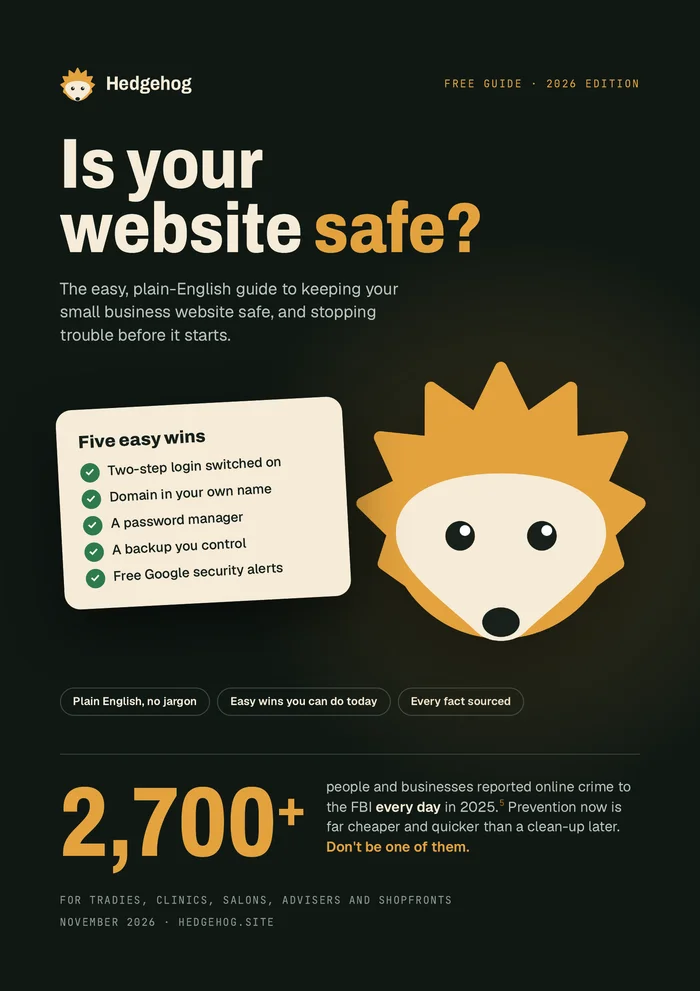
Want all of this in one place?
Our free plain-English guide covers every topic in this library, with five easy wins you can do today. We'll email it to you.
Email me the free guide